
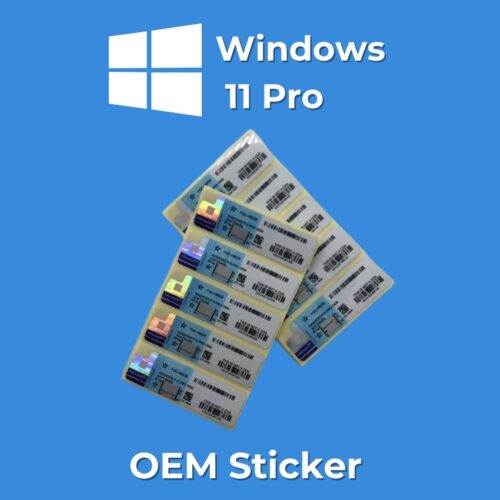
 Windows 11 Pro OEM Sticker
 Warning: Undefined array key "improve_sale_badges_2" in /home/u428298009/domains/buyactivationkey.in/public_html/wp-content/plugins/wpm-products/class-wpm-product-options.php on line 318
Sale!
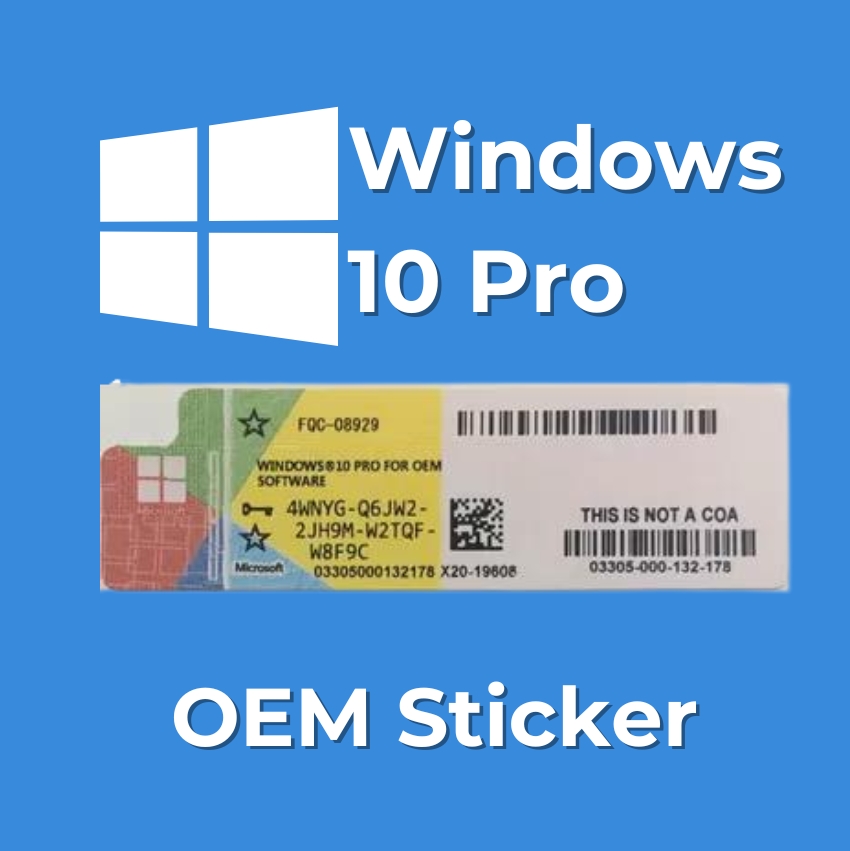
Windows 10 Pro OEM Sticker
Original price was: ₹5,499.00.₹899.00Current price is: ₹899.00. Inc. Tax 84% off
- Advanced Security: Windows 10 Pro OEM Sticker offers enhanced security measures, protecting your data and system from potential threats.
- Virtual Desktop: Seamlessly switch between multiple virtual desktops, allowing for better organization and improved productivity.
- Enhanced Windows : Experience a new level of convenience with Windows Hello, which offers biometric authentication, including facial recognition and fingerprint scanning.
- Remote Desktop: Access your computer remotely, enabling remote work and efficient collaboration.
- Cortana Integration: Enjoy the benefits of a personal digital assistant, Cortana, providing instant access to information and simplifying day-to-day tasks.
Activation Codes will be delivered Digitally via SMS, E-Mail & Whatsapp
- Instant Product Key Delivery (No CD)
- No Hassle Refunds
- Secured Payment Gateway
- Satisfaction Guaranteed
Windows 10 Pro OEM Sticker
Your gateway to a simple and efficient computing experience. Designed for Original Equipment Manufacturer installations, this authentic sticker provides a true license for improved security, performance, and compatibility Whether you’re a professional or personal user, the Windows 10 Pro OEM Sticker checks out to know that you have a reliable and up-to-date operating system, backed by reliable features and support from Microsoft. Every effort updates your device and stays ahead of the digital landscape in 2023 with the confidence of a Windows 10 Pro OEM sticker.
Installation Process for Windows 10 Pro OEM Sticker:
- Gather Materials: Ensure you have the Windows 10 Pro OEM Sticker with a valid product key.
- Backup Data: Back up important data to prevent loss during installation.
- Create Installation Media (Optional): If performing a clean installation, create a bootable USB drive with the Windows 10 Pro installation files.
- Insert Installation Media: Put the installation media—a USB drive or DVD—into your PC.
- Boot from Installation Media: Restart your computer and enter the BIOS/UEFI settings to set the boot order. Ensure the computer boots from the installation media.
- Start Installation: The Windows installation process should start automatically. If not, press a key when prompted to boot from the installation media.
- Select Language and Region: Choose your preferred language, time format, and keyboard input method.
- Enter Product Key: Enter the product key from the Windows 10 Pro OEM Sticker when prompted.
- Choose Installation Type: Select “Custom: Install Windows only (advanced)” for a clean installation. If you’re upgrading from an earlier version, you might have upgrade options available.
- Create or Select Partition: Make a new partition on your hard drive or choose an already existing one for a clean install.
- Make a Partition or Choose One: For a clean setup, create a new partition on your hard drive or select an existing one.
- Set Up Windows: Follow on-screen instructions to customize settings, create or sign in with a Microsoft account, and configure preferences.
- Activation: Windows 10 Pro should automatically activate using the product key from the OEM Sticker. If not, manually enter the key.
- Install Drivers and Software: Install the necessary drivers for your hardware and any additional software you need.
- Finalize Installation: After the installation is finished, the Windows 10 Pro desktop will appear.
Brand
windows
windows
Related products
-
Warning: Undefined array key "improve_sale_badges_2" in /home/u428298009/domains/buyactivationkey.in/public_html/wp-content/plugins/wpm-products/class-wpm-product-options.php on line 318
Sale!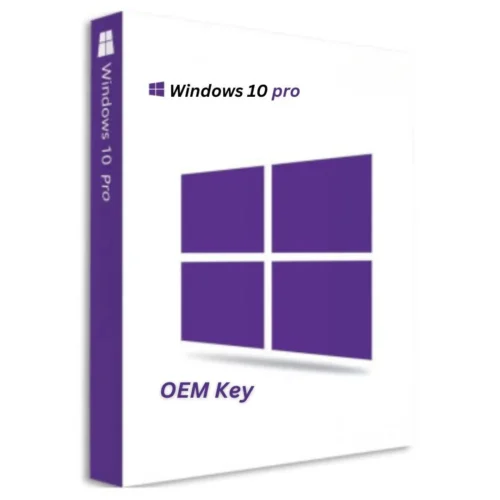
Windows 10 Pro – OEM Key
Original price was: ₹8,000.00.₹799.00Current price is: ₹799.00. Inc. Tax 90% off Add To Wishlist -
Warning: Undefined array key "improve_sale_badges_2" in /home/u428298009/domains/buyactivationkey.in/public_html/wp-content/plugins/wpm-products/class-wpm-product-options.php on line 318
Sale!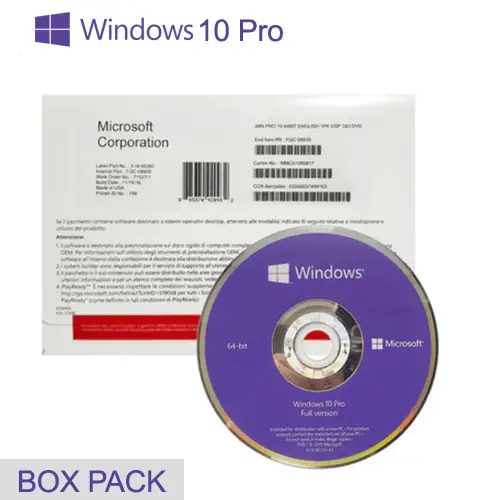
Windows 10 Pro OEM Box Pack License
Original price was: ₹8,500.00.₹2,299.00Current price is: ₹2,299.00. Inc. Tax 73% off Add To Wishlist -
Warning: Undefined array key "improve_sale_badges_2" in /home/u428298009/domains/buyactivationkey.in/public_html/wp-content/plugins/wpm-products/class-wpm-product-options.php on line 318
Sale!
Windows 10 Home to Professional License Key
Original price was: ₹7,999.00.₹499.00Current price is: ₹499.00. Inc. Tax 94% off Add To Wishlist -
Warning: Undefined array key "improve_sale_badges_2" in /home/u428298009/domains/buyactivationkey.in/public_html/wp-content/plugins/wpm-products/class-wpm-product-options.php on line 318
Sale!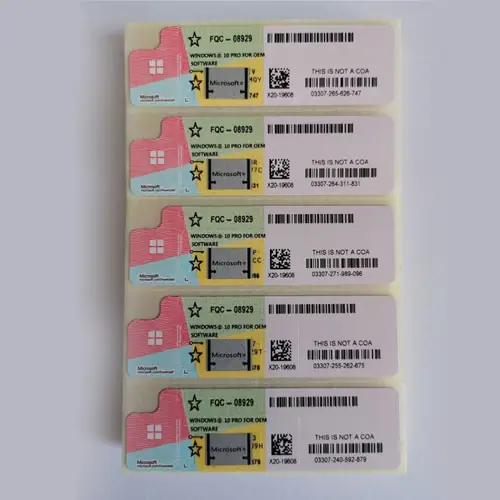
Windows 11 Pro Sticker License
Original price was: ₹9,499.00.₹999.00Current price is: ₹999.00. Inc. Tax 89% off Add To Wishlist
Reviews
There are no reviews yet.